
Summary
This post shows you how to run a timed PowerPoint quiz by using a free, editable template with a 30-second countdown on each question slide.
The template suits a classroom or workshop quiz where everyone answers the same question together. It includes three sample math questions, each followed by an answer slide.
- Download the free quiz template (PPTX), then edit the questions, choices, and matching answers.
- Enter Slide Show and press Right Arrow once to start the question's countdown.
- At zero, press Right Arrow again to reveal the answer. Discuss it, then move to the next question when ready.
Each timer is a silent, fixed 30-second video. The template needs no timer add-in or subscription. It does not collect responses, calculate scores, or advance slides automatically.
Customize the quiz
- Open the downloaded PPTX in PowerPoint.
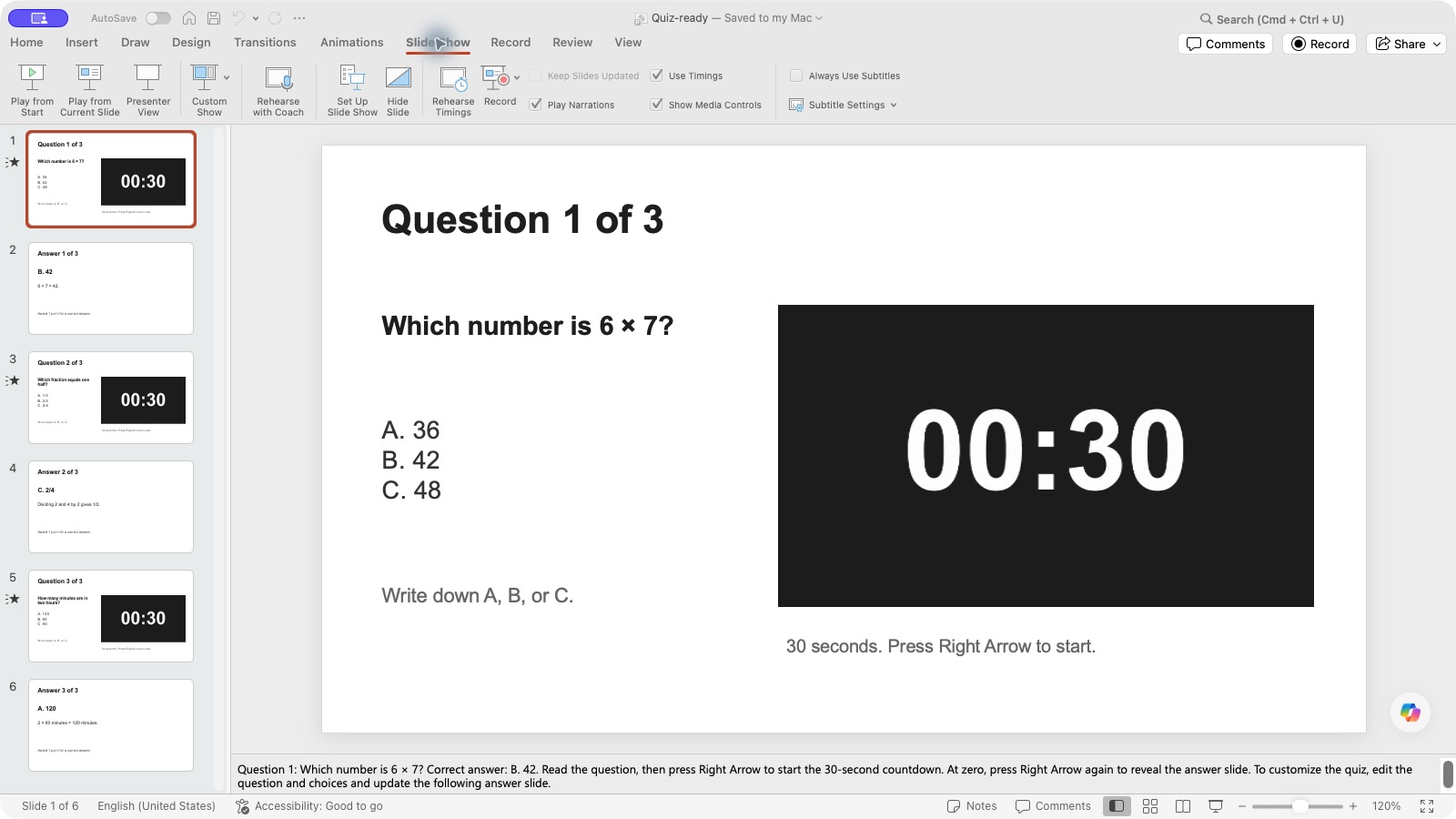
- Select a question slide and replace its question and choices. Keep the text short enough to read beside the timer.
- Update the following answer slide with the correct choice and explanation. Repeat for the other question-and-answer pairs.
- Keep the embedded video on each question slide. Editing the surrounding text does not change its 30-second duration.
Present the quiz
- Start Slide Show from the beginning. Explain how participants should record their answers, such as writing A, B, or C on paper.
- Read the question, then press Right Arrow once. This starts the video from 00:30 while keeping the question on screen.
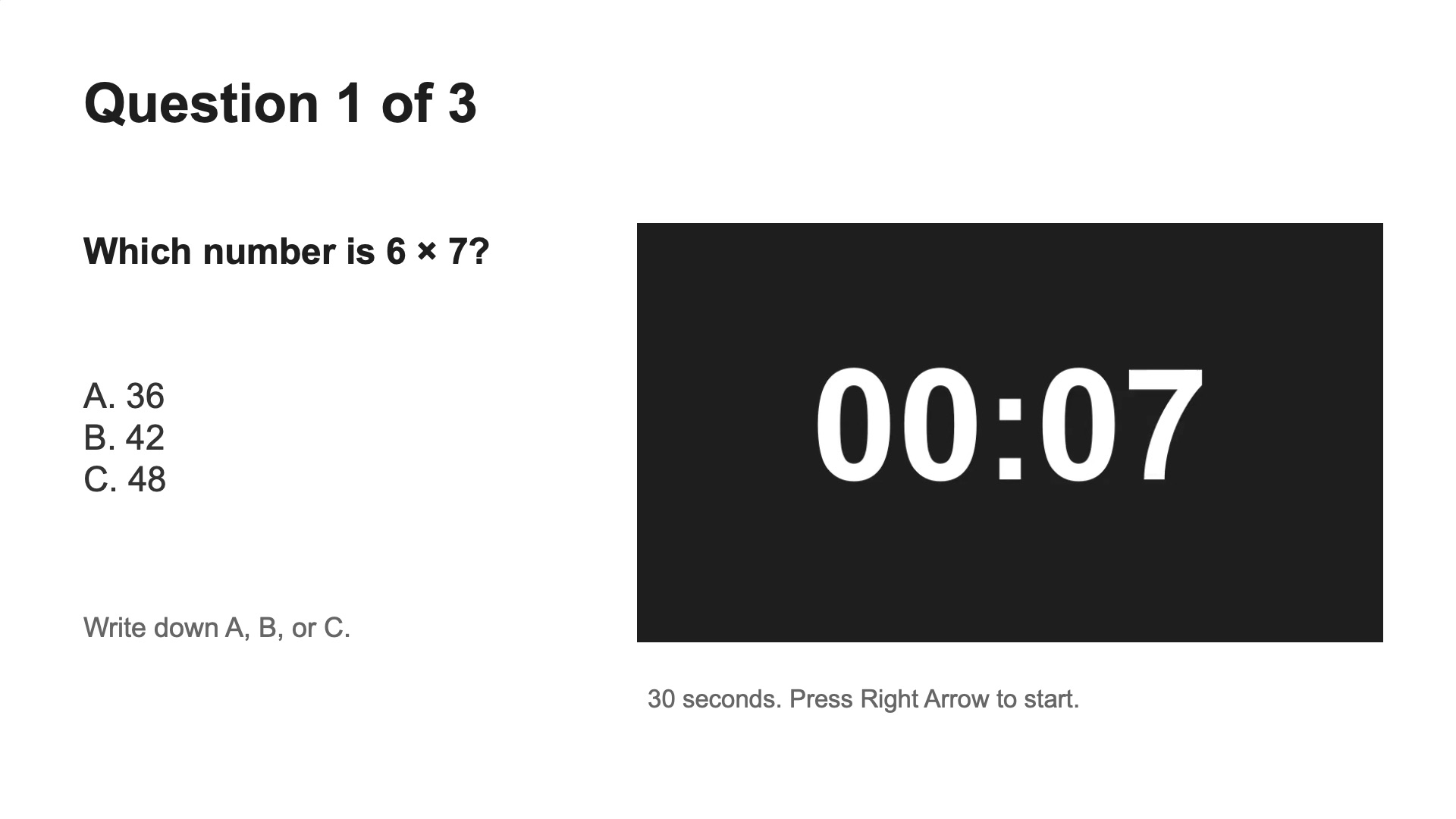
- When the timer reaches 00:00, ask participants to stop writing. Press Right Arrow again to reveal the answer slide.
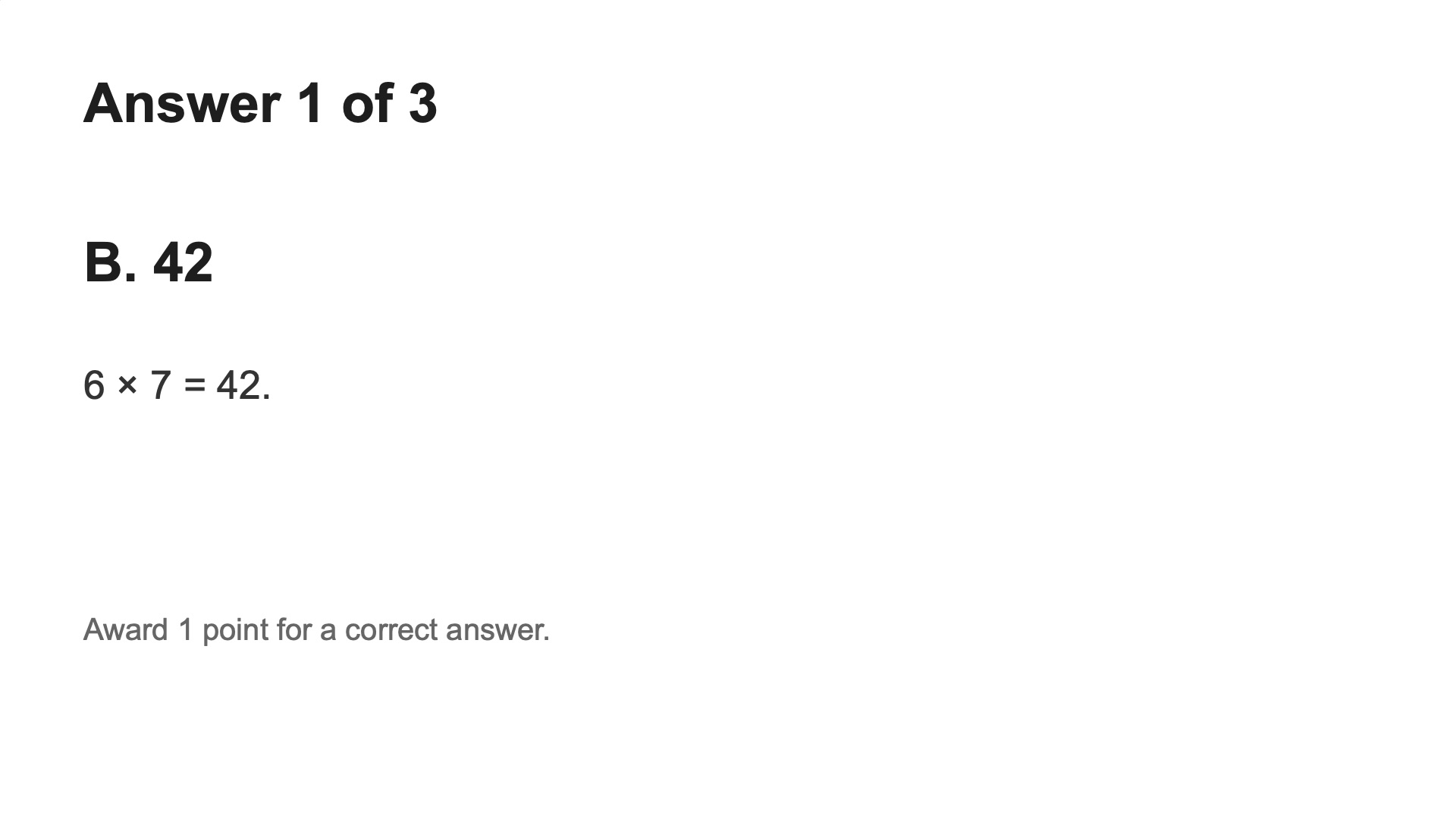
- Award one point for a correct answer, or apply your own scoring rules. Move to the next question and read it, then press Right Arrow once to start its countdown.
Run through the complete quiz before presenting. Check the answer slides, video playback, and timer visibility from the audience's position.
Related timer setups
- Exam and quiz timers covers a live countdown and individual online submission deadlines.
- Create a custom timer video for a different duration or an end sound.
- Download the five-minute activity template for a longer discussion or group task.