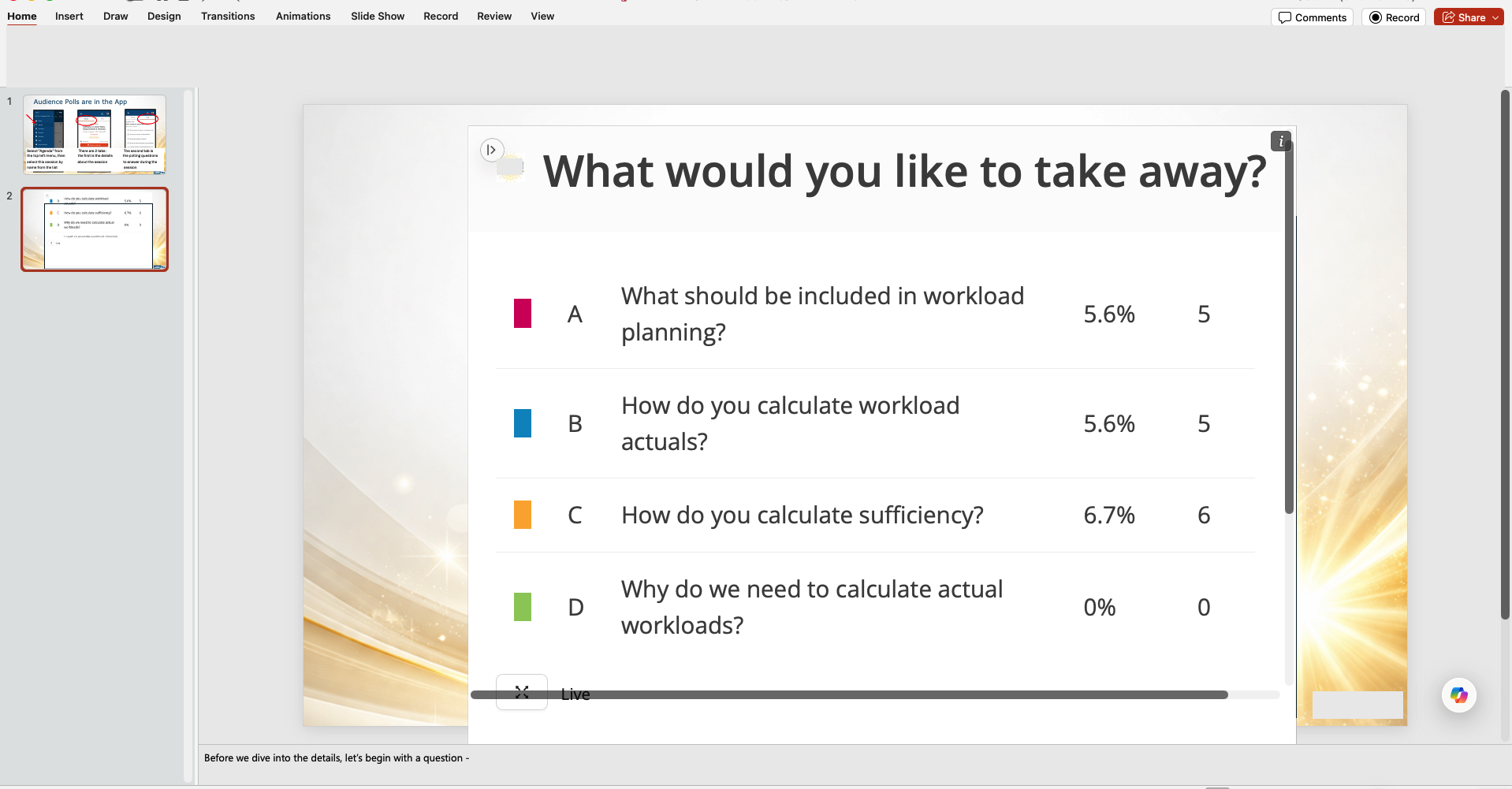
Yes. If a content add-in is embedded directly in a PowerPoint slide, your colleague can view it without installing the add-in separately. The same applies to content add-ins in Excel and OneNote. Example add-ins are Web Viewer 2.0 and Timer for PowerPoint.
What your colleague needs to do
- Open the slide that contains the add-in.
- When PowerPoint asks for permission, click Allow and Continue.
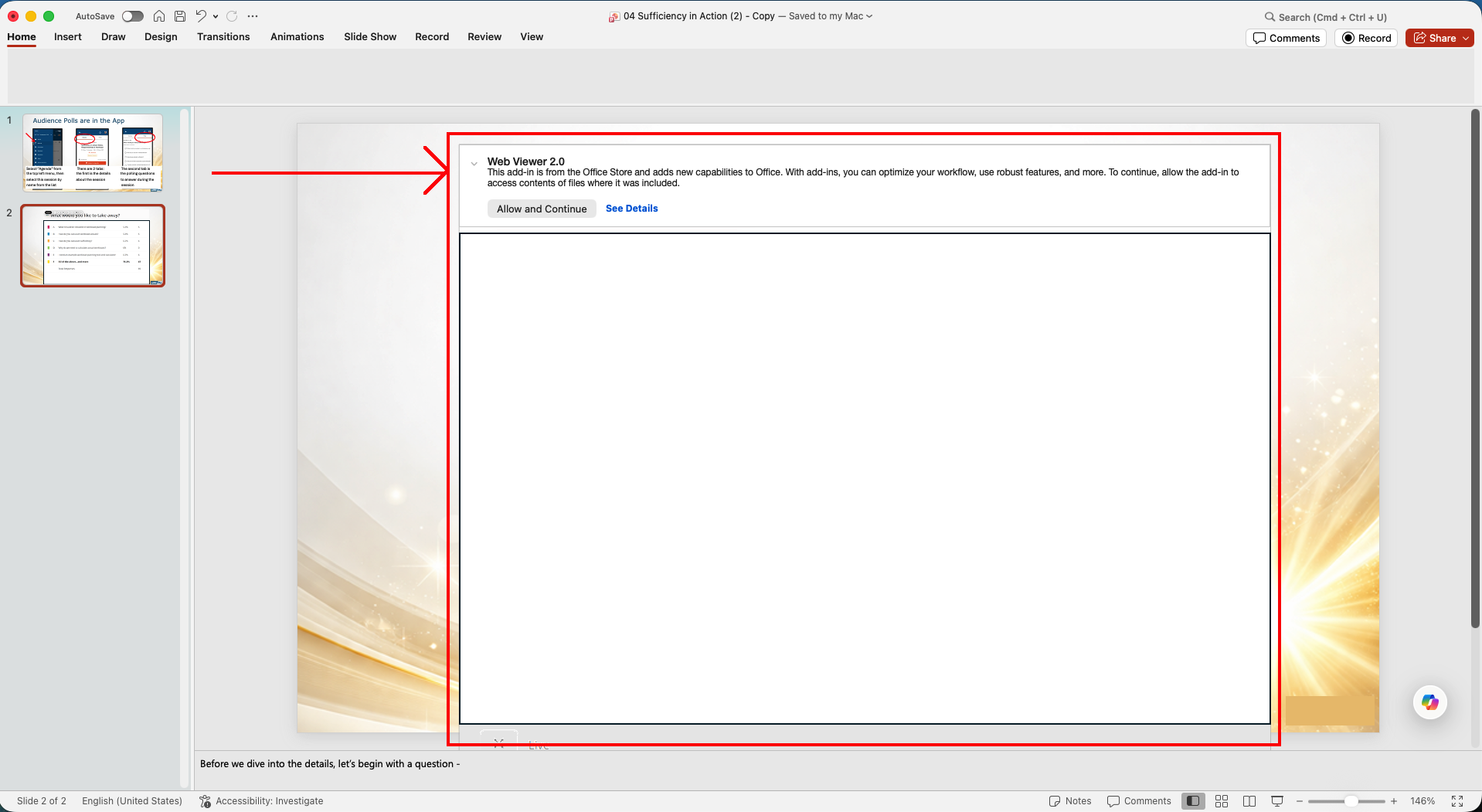
- View the live add-in directly on the slide.