Custom Apps
- AI is reshaping every company, but only a few people are actively leading the transition.
- Show your app in action and become the person pulling your company into the AI era.
Load AI apps, dashboards, and sites directly in PowerPoint. Our add-in is secure by design and never uploads your presentation to external servers.
A presentation is one of the few moments when colleagues and leaders see your thinking, preparation, and delivery at once. Protect that moment.
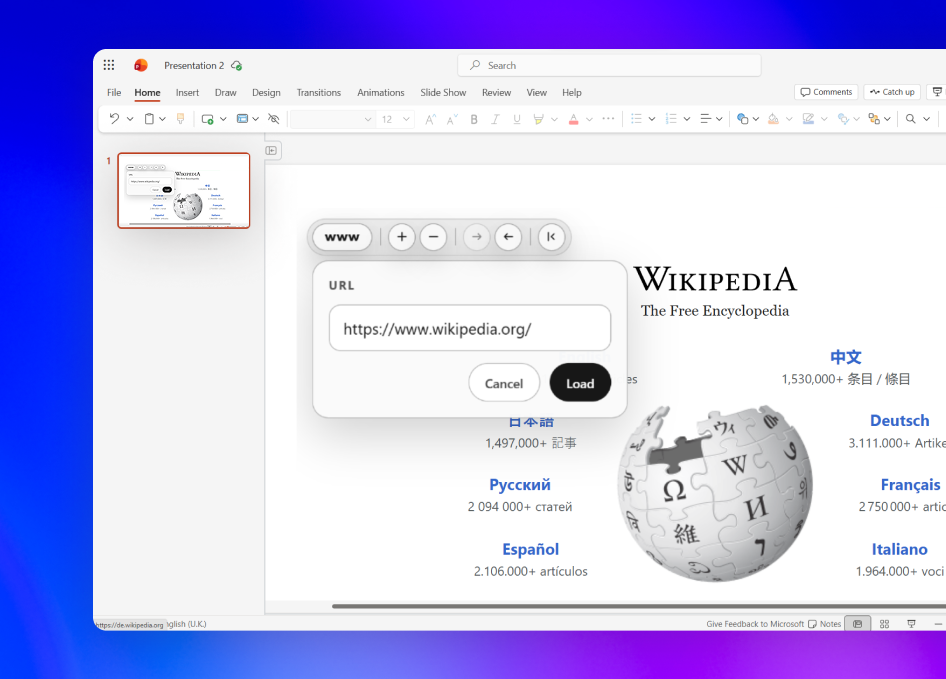
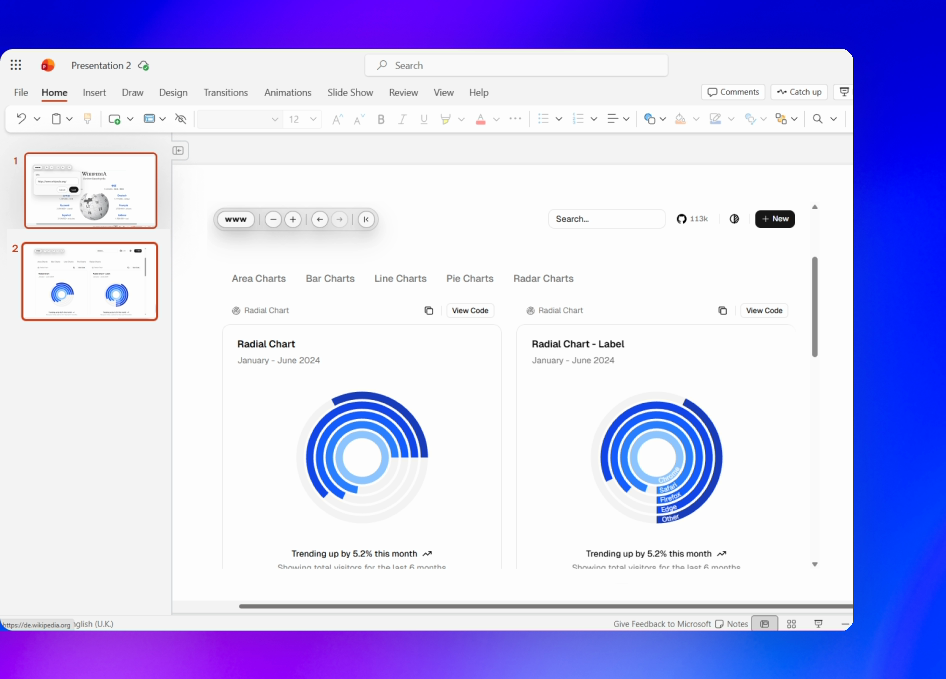
Web Viewer loads sites directly on your PowerPoint slides for use during your presentation.
Install Web Viewer from Microsoft AppSource and place it on your slide.
Paste an HTTPS URL, then adjust the site's size and zoom.
Use the live website while your audience stays focused on your presentation.
Common examples include AI-built apps, custom web tools, live dashboards, classroom activities, polls, maps, weather views, timers, 3D experiences, simulations, and other websites that allow embedding.
No. Some websites prevent embedding, and private websites may require a sign-in session. Test every important URL before presenting live.
Yes, when the AI app is available through an HTTPS URL and allows embedding. You can demonstrate an assistant, prototype, custom workflow, or other AI-built experience directly on the slide.
Yes, when the website allows embedding. Web Viewer loads the live page rather than a screenshot, so you can use its supported controls and interactions directly from the slide.
Yes. Web Viewer saves the current URL, zoom level, and toolbar state with the PowerPoint presentation so it is ready when you reopen the file.
Our add-in never uploads your PowerPoint presentation to external servers. PowerPoint stores the URL, zoom level, and toolbar state with the presentation. Our server discards the webpage data it fetches during the embedding check. Read our privacy policy for full details. Need more information or have special requirements? Contact support and we'll help.
Yes. Start with a free trial so you can test real websites in your presentations before subscribing.
All plans come with a 60-day full refund guarantee. Cancel anytime from your dashboard, or contact us within 60 days for a full refund.
You can cancel anytime from your dashboard under Settings. Click Manage to open the billing portal. You'll keep access until the end of your current billing period.
Yes. You can switch billing cycles at any time from your dashboard. Annual billing lowers the monthly equivalent right away.