 Get on AppSource
Add LaTeX Equation Editor
Install the add-in from Microsoft AppSource and open it in Word, PowerPoint, Excel, or OneNote.
Our add-in is secure by design and never uploads your document to external servers.
You put time into the math. Formatting equations shouldn't take over your writing or presentation prep.
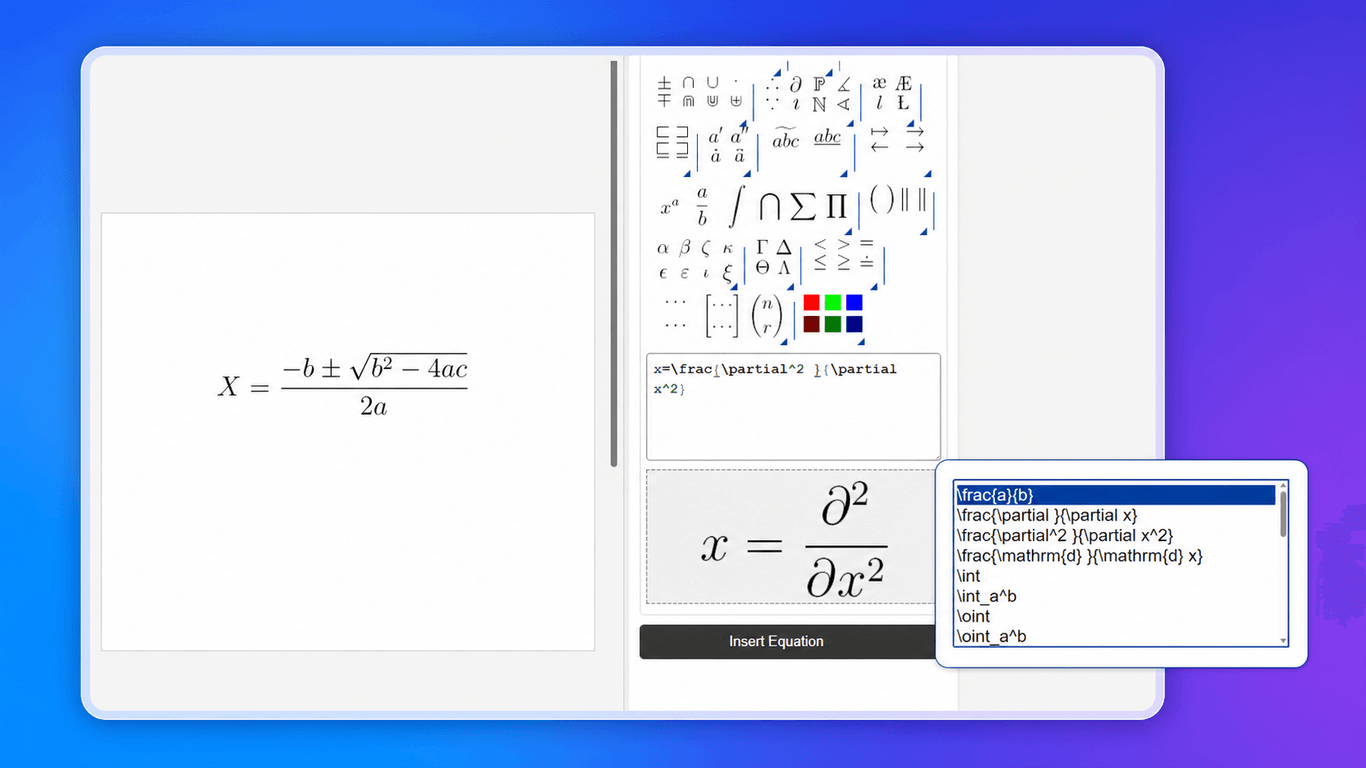
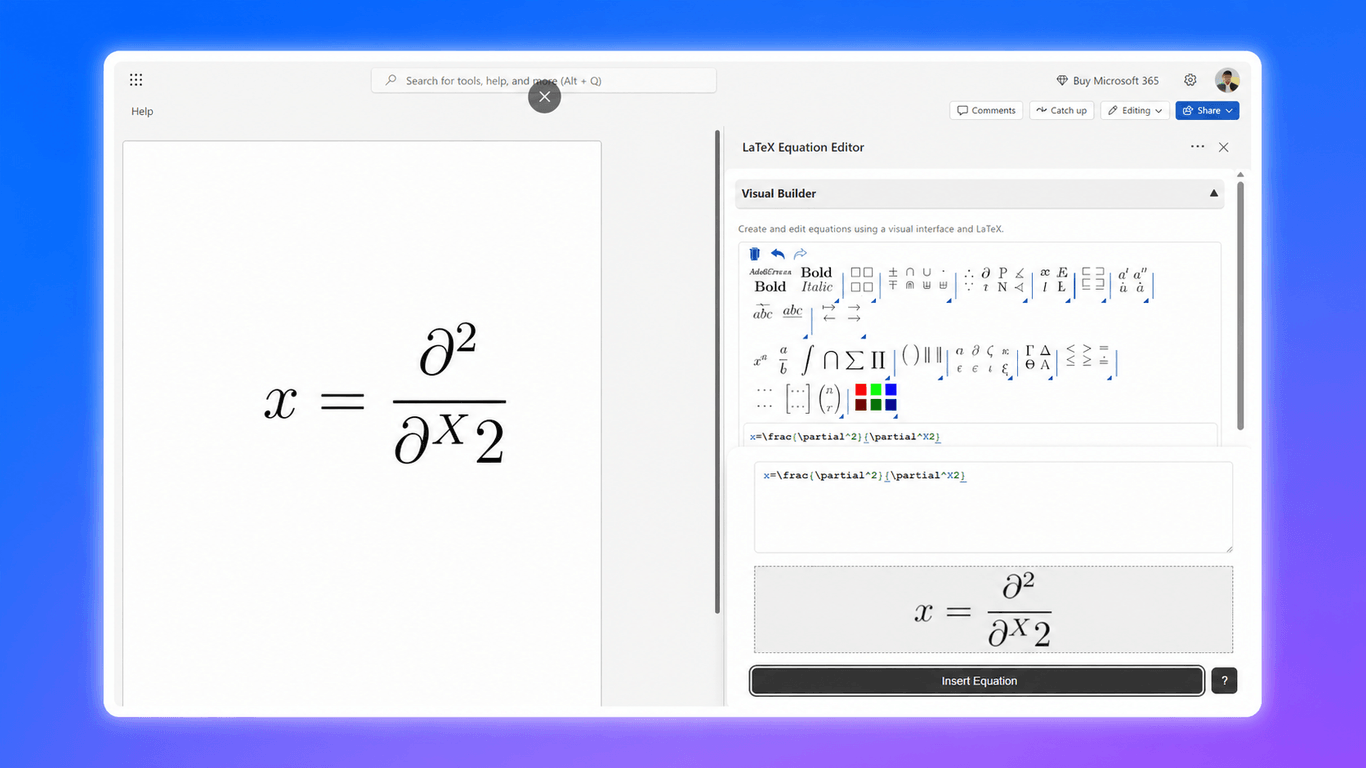
Build and insert LaTeX equations in Word, PowerPoint, Excel & OneNote.
Install the add-in from Microsoft AppSource and open it in Word, PowerPoint, Excel, or OneNote.
Use visual controls, LaTeX autocomplete, or the catalog, then check the preview.
Insert your equation, then continue writing or presenting.
No. The visual builder lets you create equations with point-and-click controls. LaTeX input with autocomplete is available when you prefer to type.
LaTeX Equation Editor works in Word, PowerPoint, Excel, and OneNote. Host availability depends on the Office version and platform.
PowerPoint supports PNG or SVG output. Word, Excel, and OneNote insert high-resolution PNG images.
In Word, you can load a previously inserted equation back into the editor, change it, and replace the output. Other Office hosts do not support loading equation data from an inserted image.
In Word, write LaTeX between $$ delimiters and render those expressions in place. You can also convert rendered equations back to LaTeX for editing.
The add-in sends only the equation text you enter or select directly to CodeCogs for rendering. Our add-in never uploads your Office file to external servers. Read our privacy policy for full details. Need more information or have special requirements? Contact support and we'll help.
Yes. Start with a free trial so you can create equations in your own documents and presentations before subscribing.
All plans come with a 60-day full refund guarantee. Cancel anytime from your dashboard, or contact us within 60 days for a full refund.