
If your team stores engineering files in SharePoint, CAD Viewer for SharePoint lets you open them directly in the browser instead of downloading them and opening desktop CAD software.
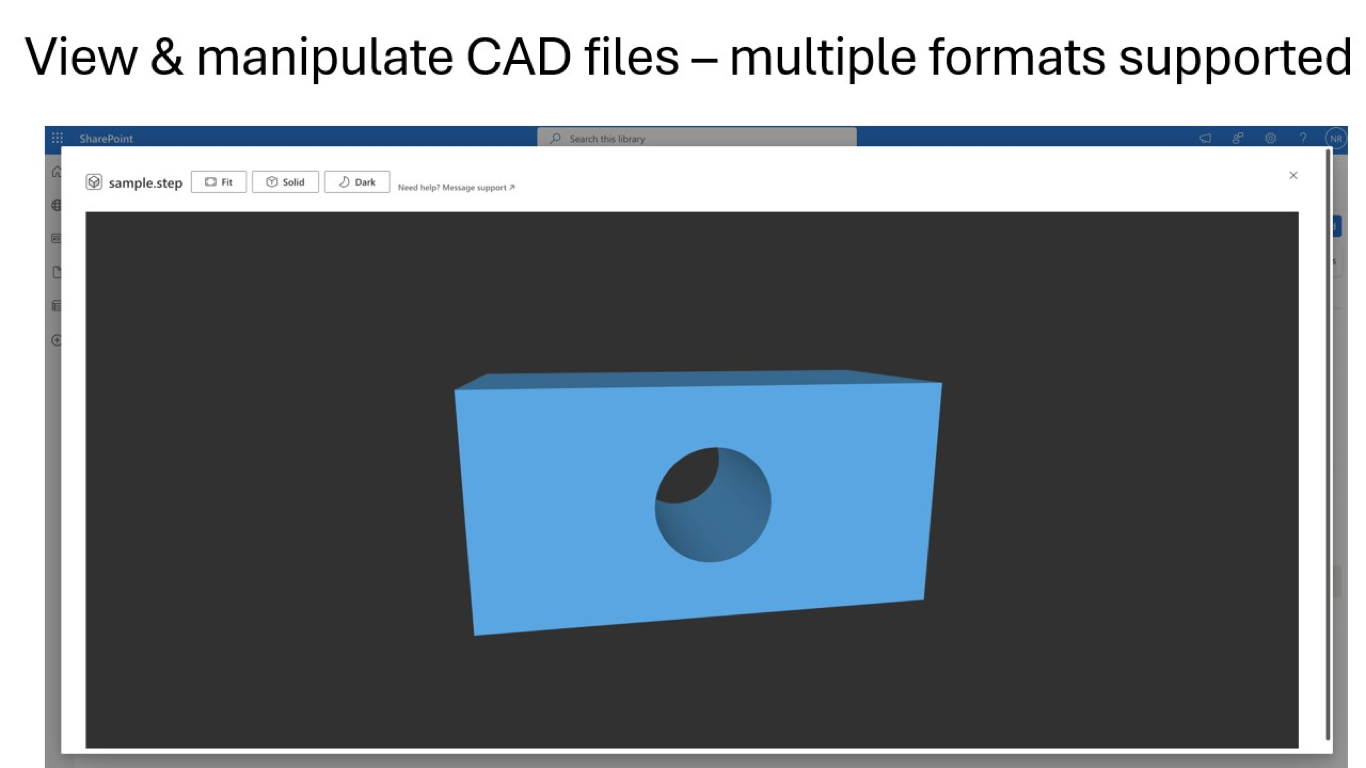
Select a supported CAD file
Go to your SharePoint document library and select a supported file such as DWG, DXF, DWF, STEP, STP, STL, OBJ, or FBX. The add-in works with 2D drawings and 3D models.
Click View CAD in the command bar
Once the file is selected, click View CAD. The drawing or model opens in a browser-based viewer so you can review it without leaving SharePoint.
Navigate 2D drawings and 3D models
Use the viewer controls to pan, zoom, rotate, and fit the file to the screen. That makes it easier to inspect floor plans, assemblies, and models quickly during reviews.
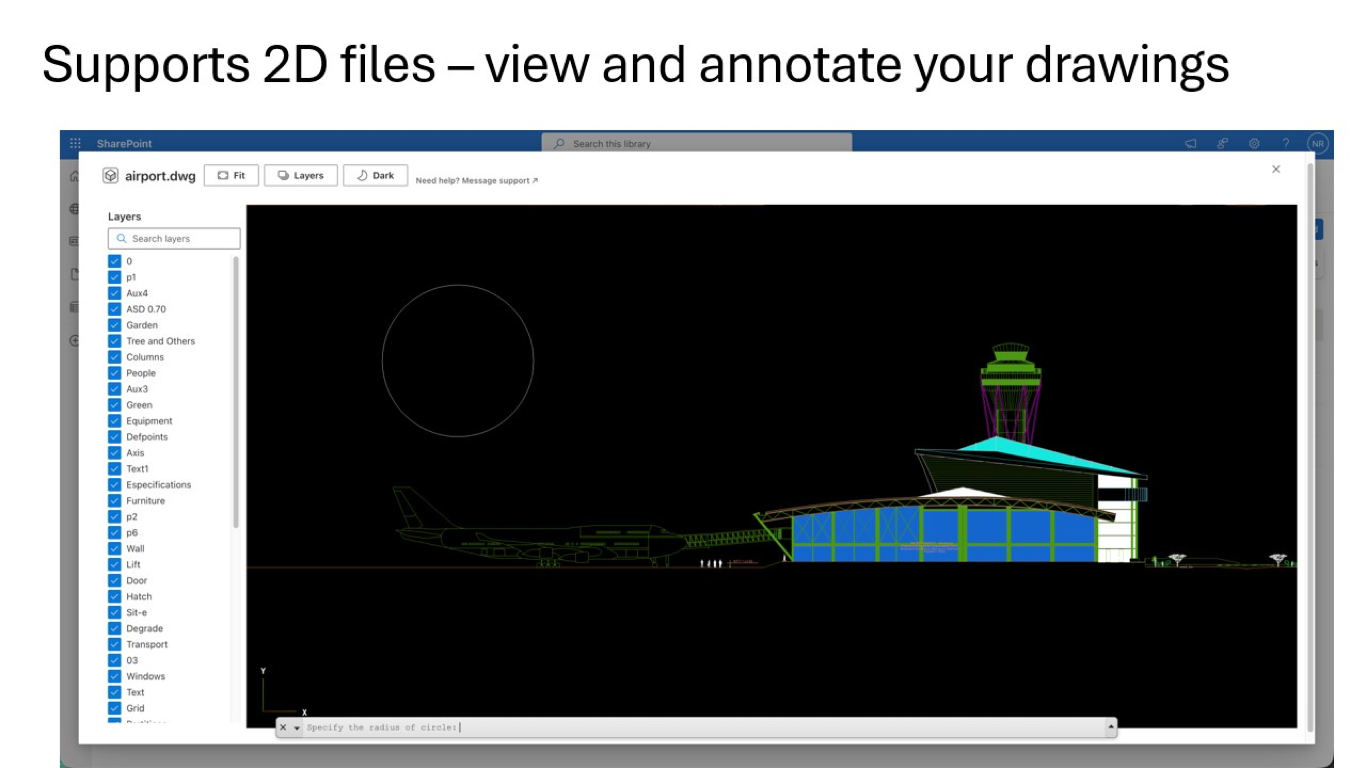
Use format-specific tools
For DWG and DXF drawings, you can work with layer controls. DWF and DWFX files open as browser-viewable 2D drawings or 3D models. For 3D formats, you can orbit around the model, switch views, and use fit-to-view controls to reset the camera quickly.
Common CAD formats you can open
- 2D CAD: DWG, DXF, DWF, and DWFX
- 3D CAD: DWF, DWFX, STEP, STP, IGES, IGS, and BREP
- 3D mesh formats: STL, OBJ, FBX, GLB, glTF, 3MF, PLY, and more
Need help?
If a file does not render as expected, email product@1990quebec.com with the file type, approximate size, and a screenshot of what you see.