
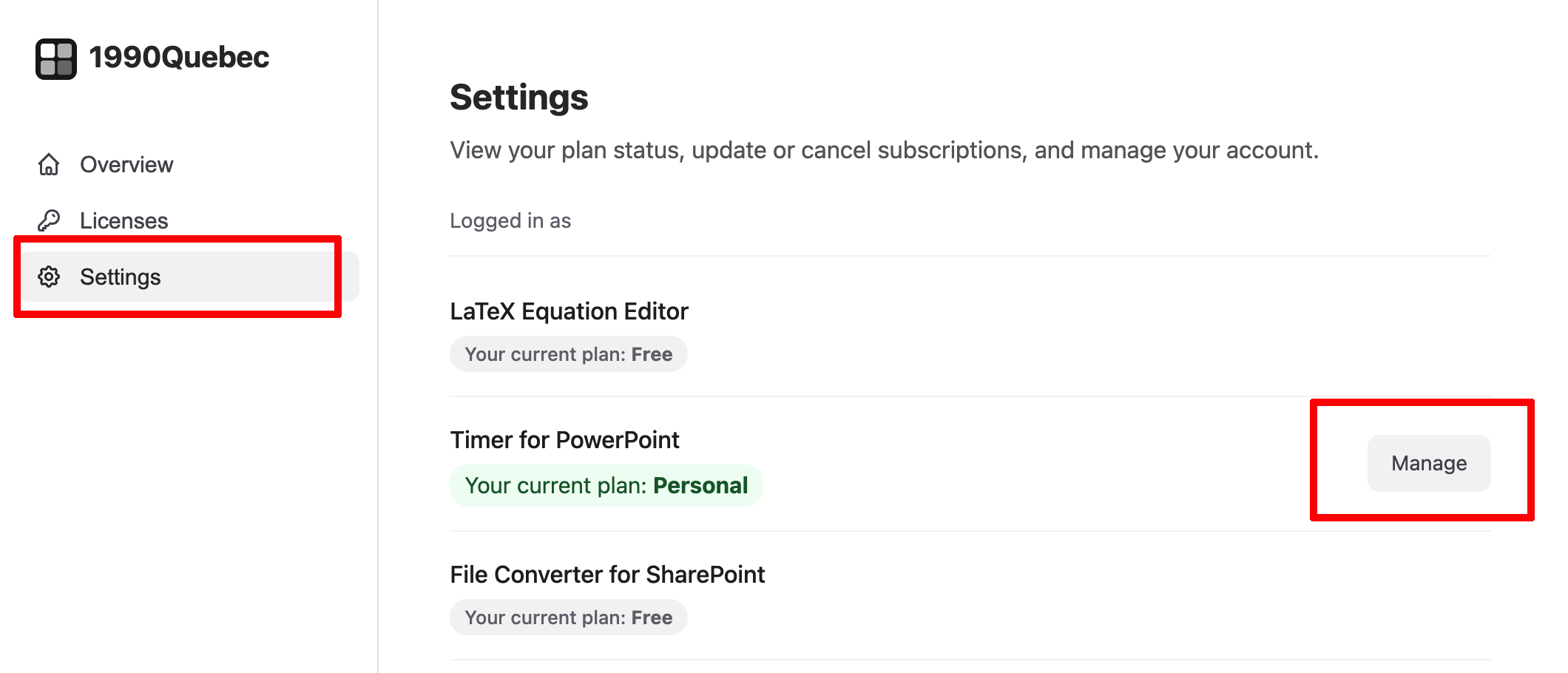
Log in to your dashboard, go to Settings, click Manage Subscription, and you'll be taken to the Stripe portal where you can upgrade or cancel your plan.
Step by step
- Log in to your dashboard.
- Click Settings.
- Click Manage Subscription.
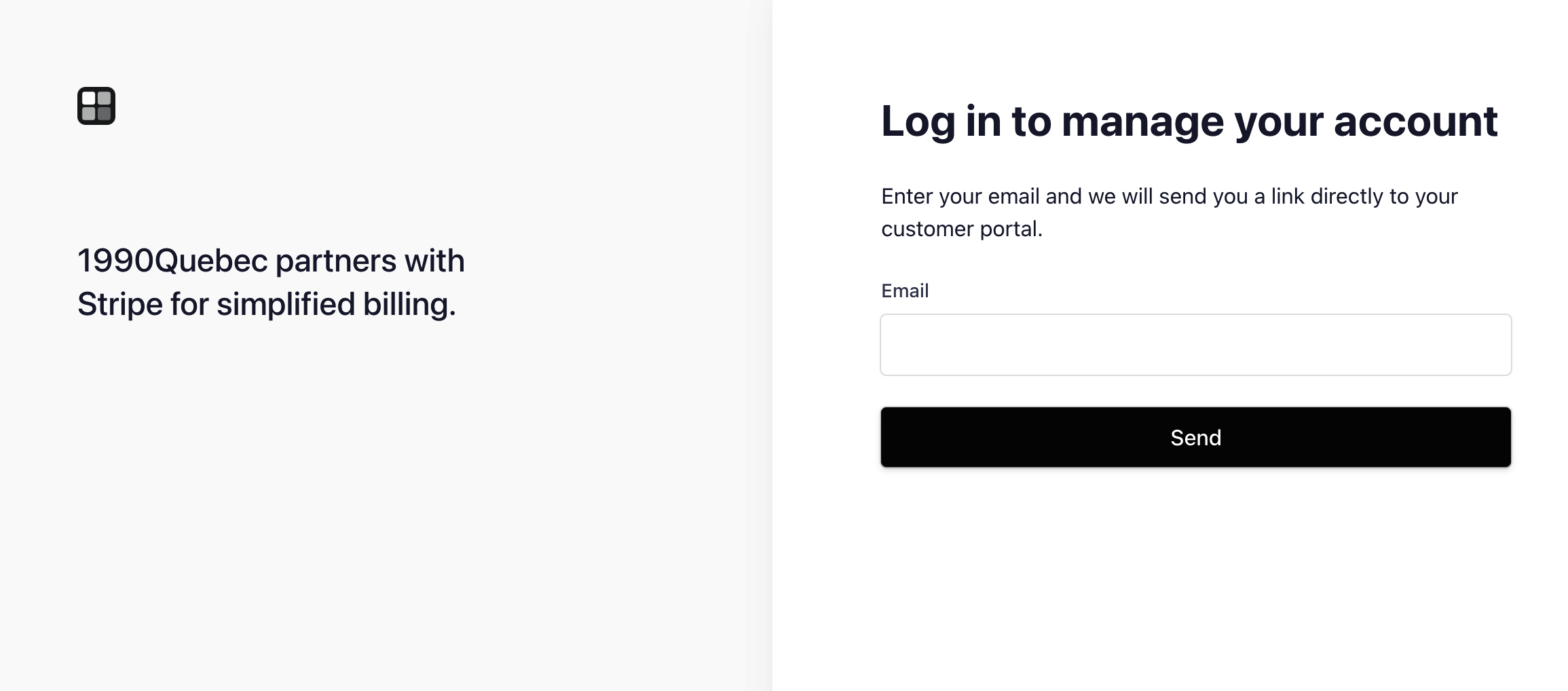
You'll be redirected to the Stripe customer portal. First you'll see a login screen, enter the email address associated with your account.
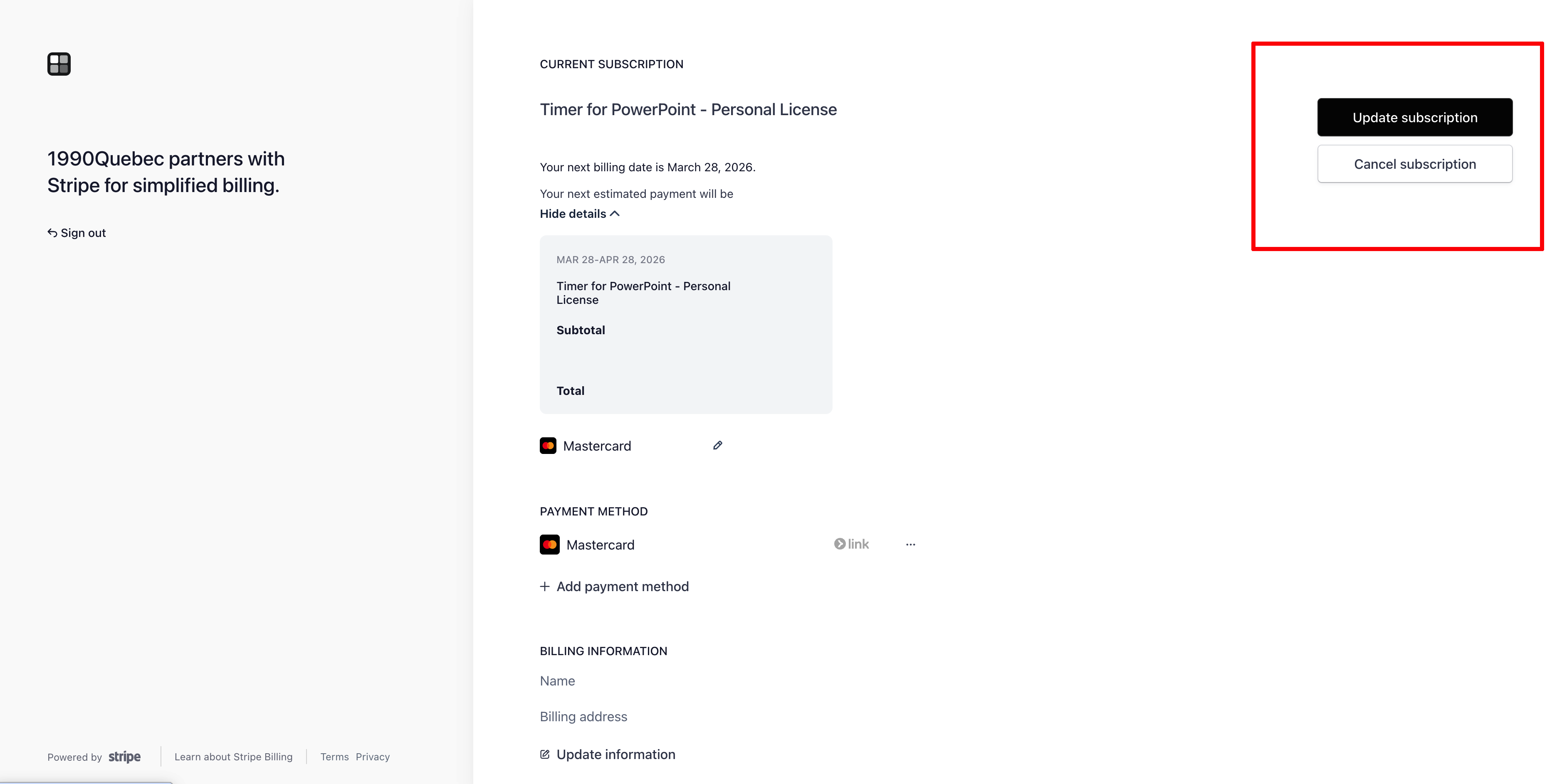
Once logged in, you'll see your subscription details with options to manage your plan.
Change or cancel your subscription
To upgrade or switch plans, click Update Subscription and choose the plan that fits your needs. The change takes effect immediately, and you're only billed for the difference.
To cancel, click Cancel Subscription. You'll continue to have access to premium features until the end of your current billing period.
Need help?
If you run into any issues managing your subscription, reach out to us at product@1990quebec.com and we'll get you sorted out. We typically respond within 24 hours on business days.