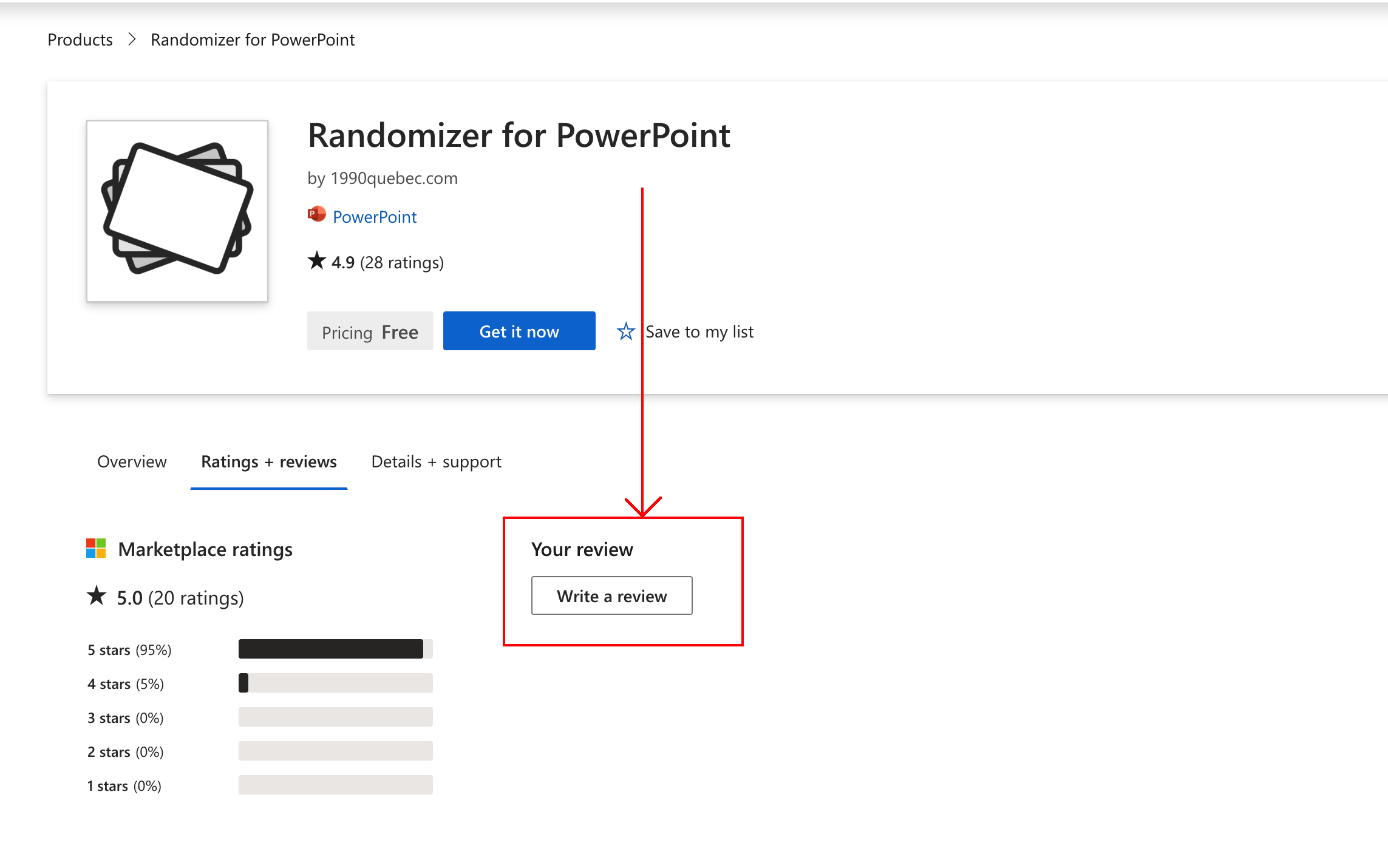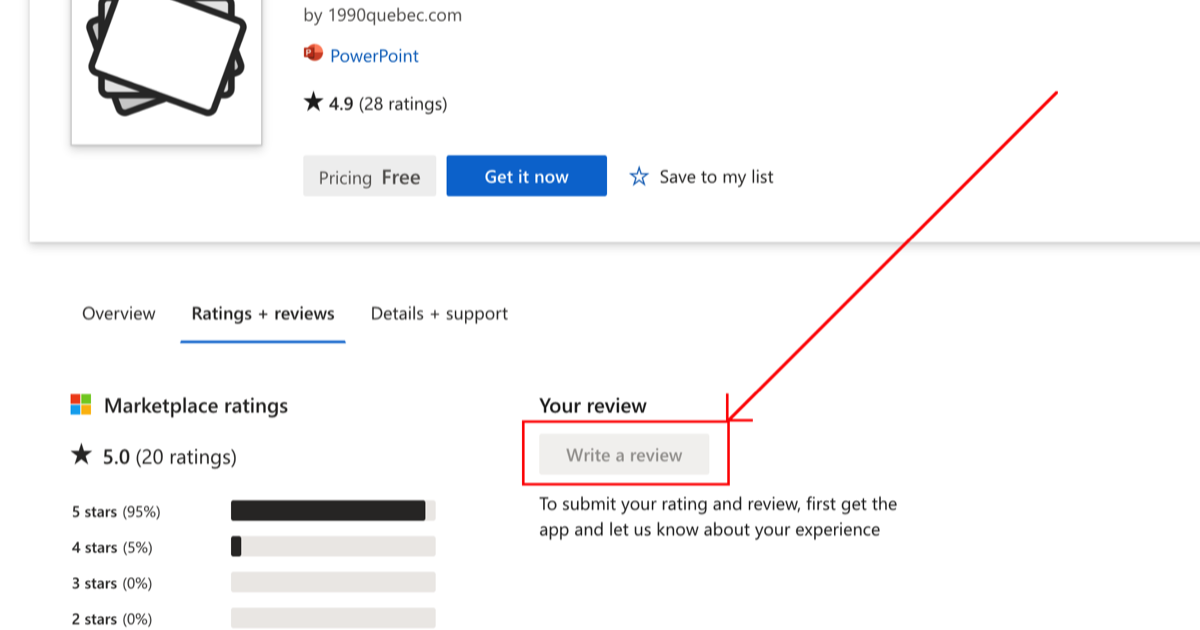
Microsoft can grey out the review button and it's unintuitive to enable it. To make the button available, do the following:
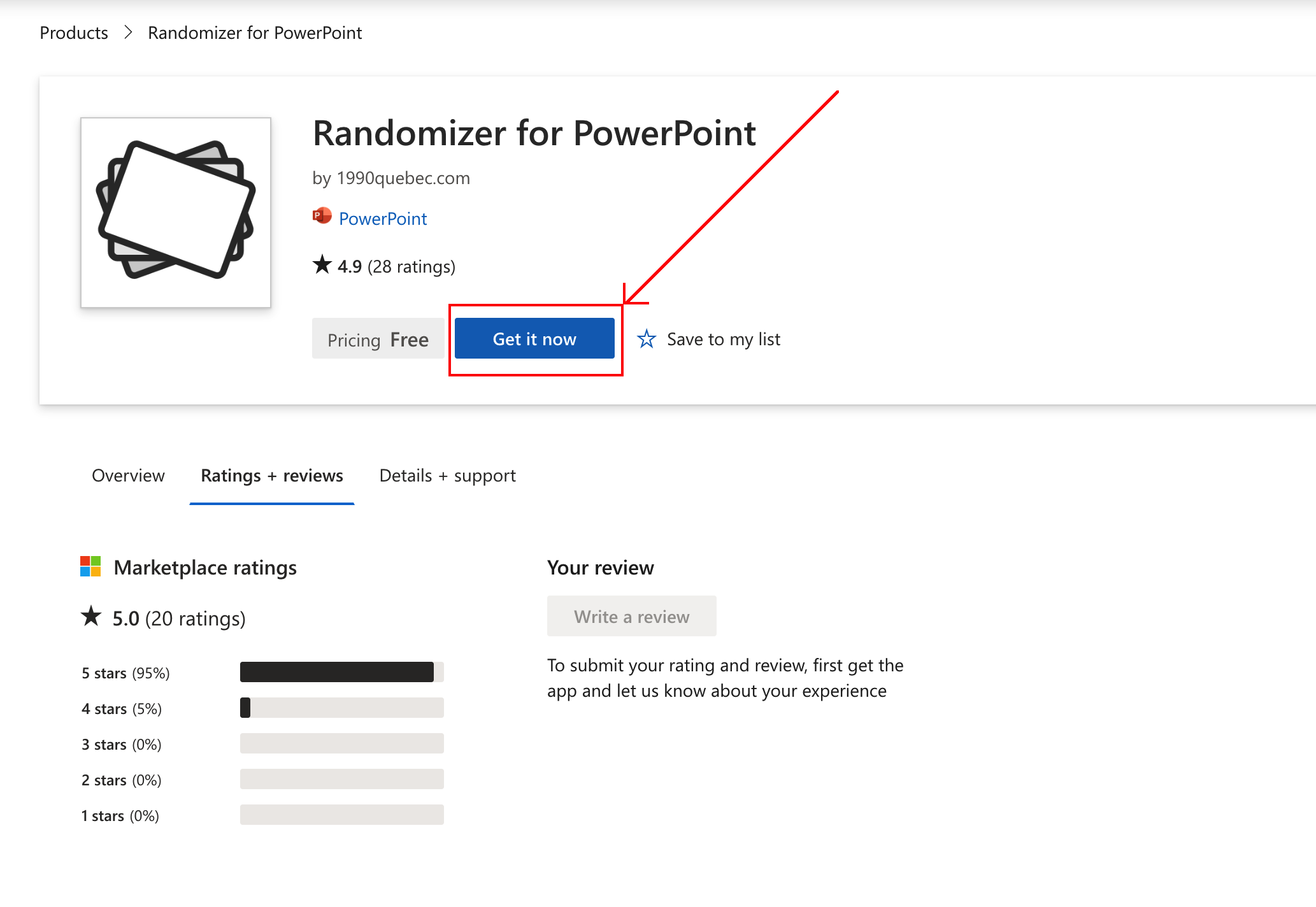
- Click the button Get it now.
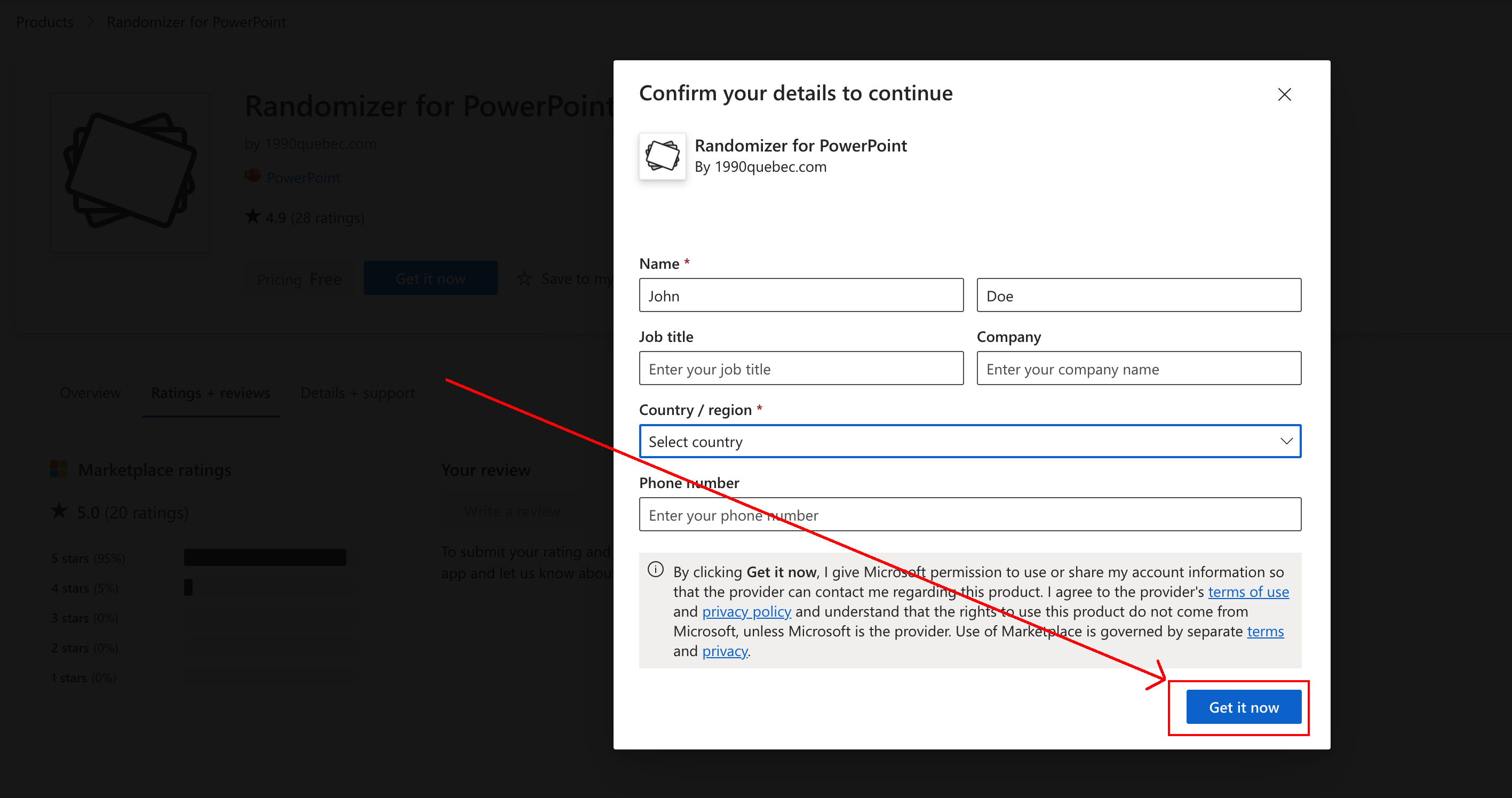
- Fill out the form and click Get it now.
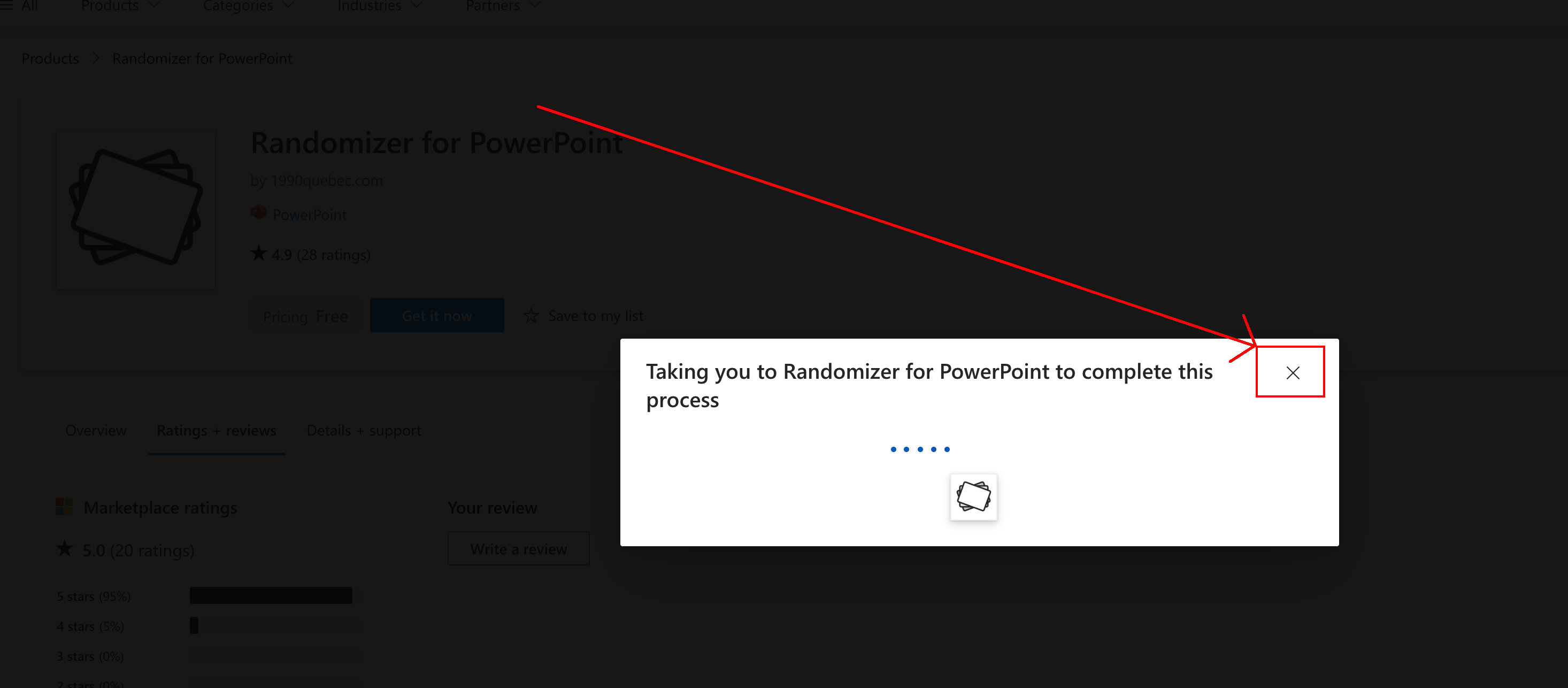
- While the next step is loading, close it.
- The review button is now available.
If you run into issues, message support and we'll help.
Screen recording
Below is a screen recording that shows these steps. If you prefer screenshots, scroll down to the section below.
Screenshots
-
Click the button Get it now.
-
Fill out the form and click Get it now.
-
While the next step is loading, close it.
-
The review button is now available.