The Problem
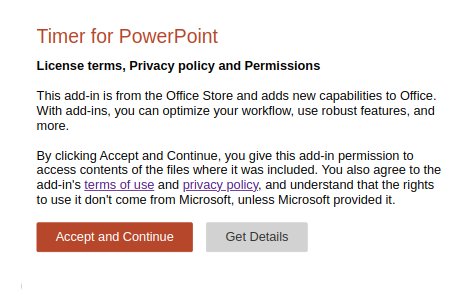
The timer may fail to load during presentation mode, showing an unclickable popup like this:
Why This Happens
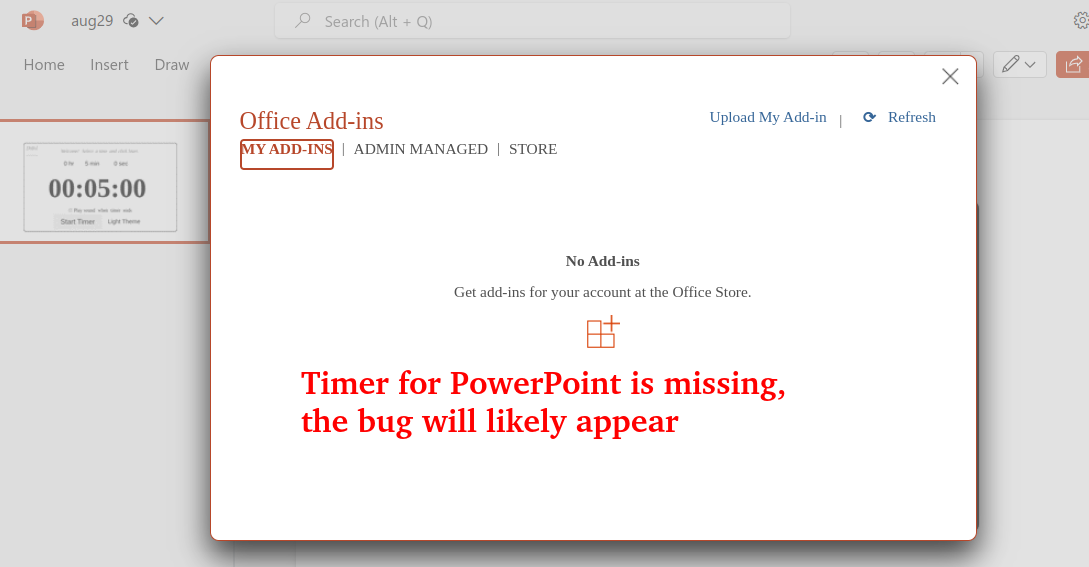
This occurs when the add-in is inserted directly into a presentation without being installed to your Microsoft account. You can check this by going to Insert > Get Add-ins > My Add-ins. If the timer is missing from this list, it won't work in presentation mode:
The Fix
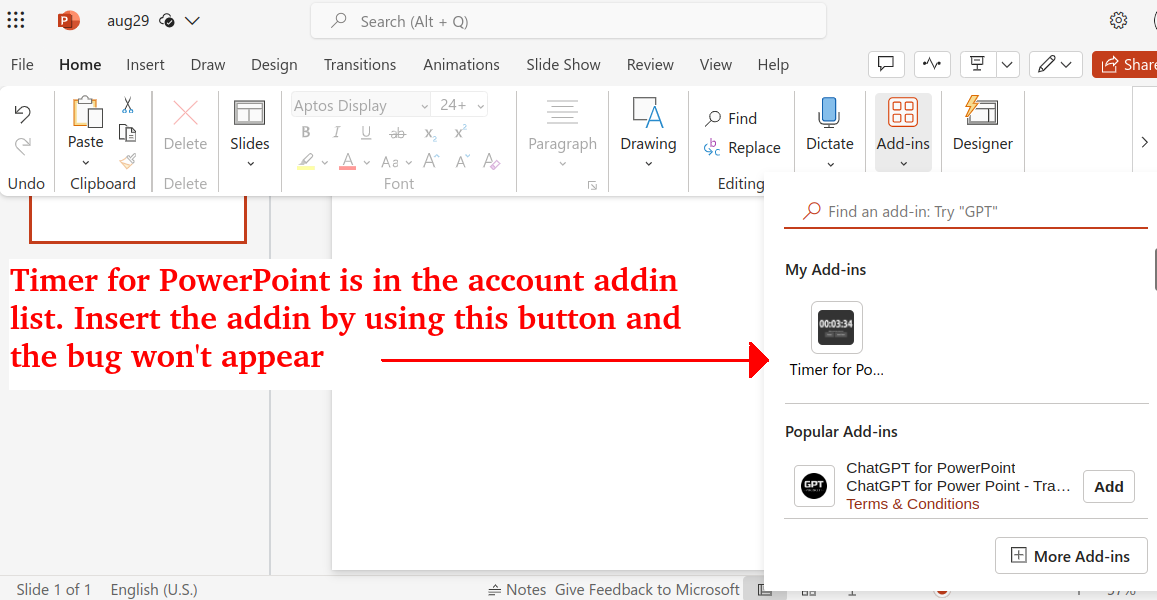
Install the add-in to your account from the Microsoft AppSource page (may require admin permissions). Once installed, the timer will appear in your My Add-ins list and work correctly in presentation mode: