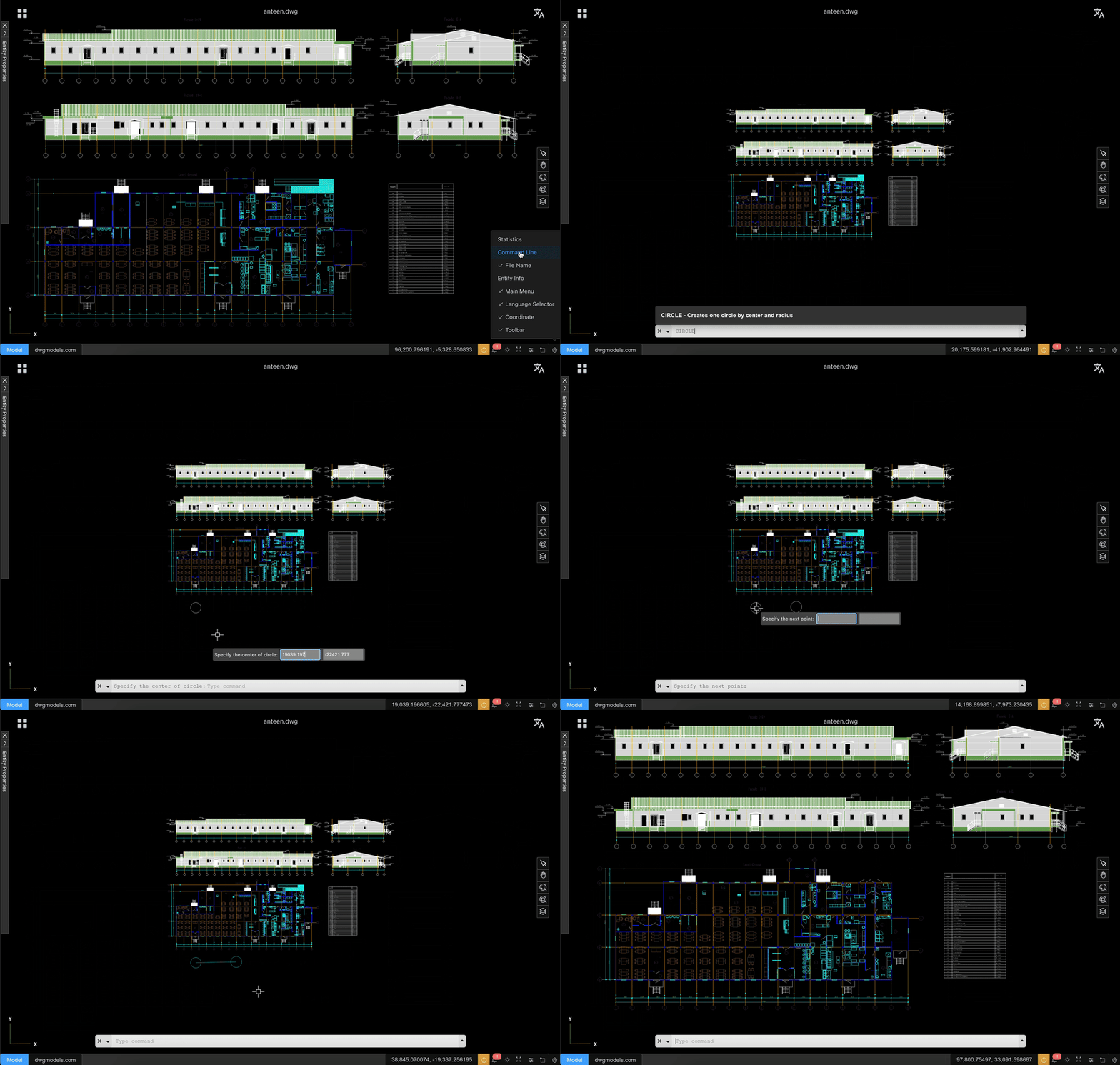
The 2D viewer in CAD Viewer for SharePoint includes a small command line for fast navigation and measurement. Type a command, press Enter, and follow the prompt shown in the viewer.
View and navigation commands
- PAN moves the drawing without changing zoom.
- ZOOM fits the drawing back into view.
- ZOOMW zooms to a window you draw on screen.
- REGEN redraws the current drawing.
- SWITCHBG toggles the drawing background between dark and light.
Selection commands
- SELECT selects entities in the drawing.
Measurement commands
- MEASUREDISTANCE measures the distance between two points.
- MEASUREAREA measures the area of a region you trace.
- MEASUREANGLE measures the angle between picked points.
- MEASUREARC measures an arc in the drawing.
- CLEARMEASUREMENTS removes the measurement overlays you added.
Document and utility commands
- OPEN opens a drawing file.
- QNEW starts a new drawing from the default template.
- CSVG converts the current drawing to SVG.
- LOG prints debug information to the browser console.
Tips
- Command names are not case-sensitive.
- After typing a command, press Enter to run it.
- If a command asks for points, click directly in the drawing.
- Press Esc to cancel the current command.