Install from AppSource
Install File Converter from AppSource for your SharePoint site.
Convert images, documents, spreadsheets, video, and audio directly in SharePoint. Files convert in your browser and never upload to external servers.
SharePoint has no built-in support for file conversions. You have to convert files in another tool. This results in the following problems:
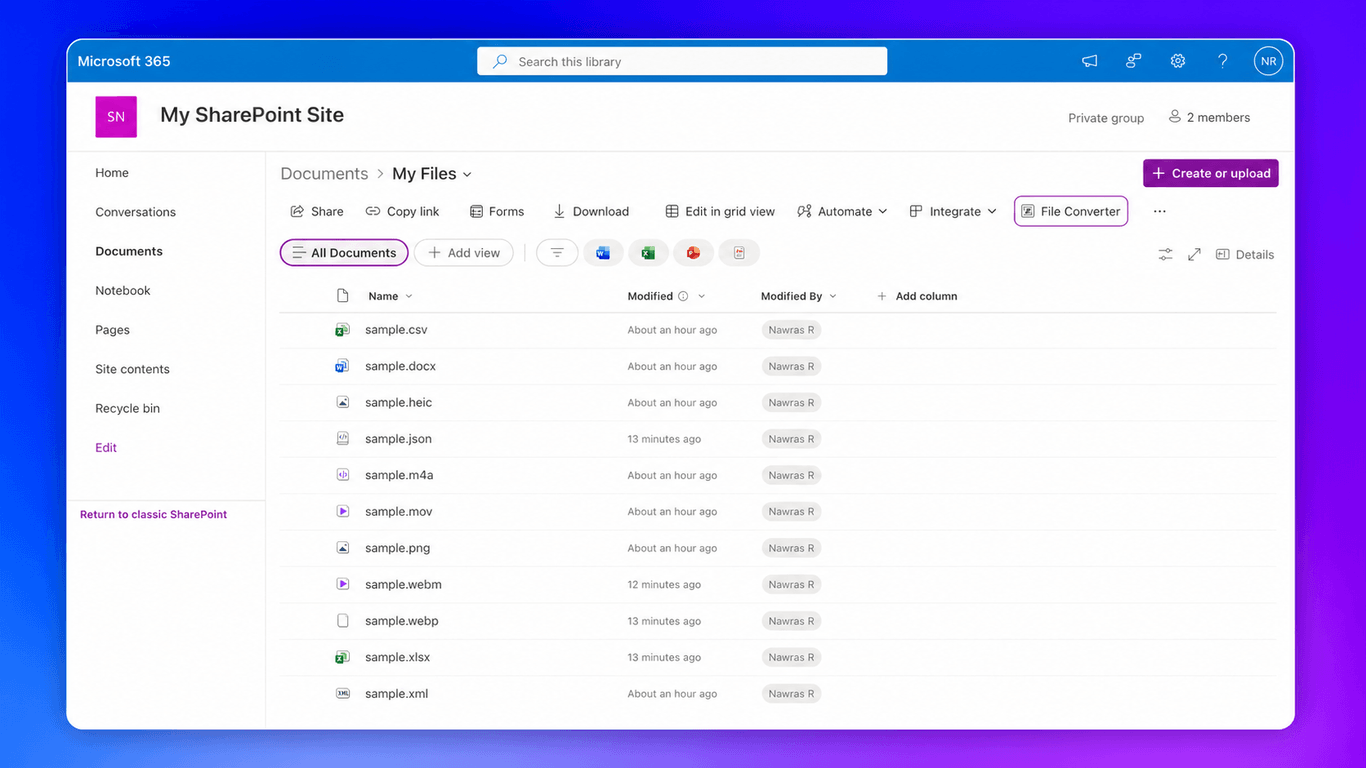
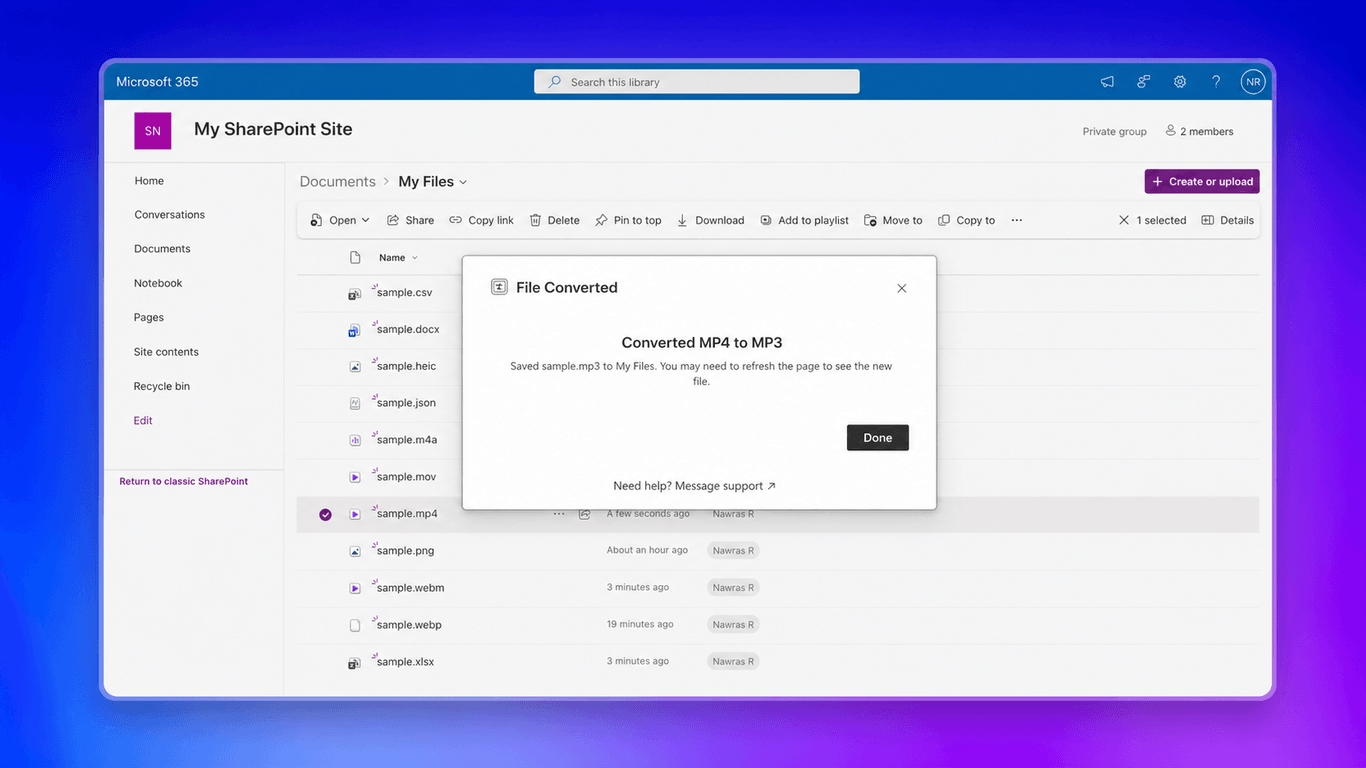
Convert files where you already work.
Install File Converter from AppSource for your SharePoint site.
Select files in SharePoint, then right-click → File Converter.
Choose your format and save the converted files in SharePoint.
Images: PNG, JPG, WebP, SVG, HEIC, BMP, GIF, TIFF, AVIF, and
Base64.
Documents and data: DOCX, XLSX, XLS, CSV, TSV, ODS, JSON, and XML.
Video: MP4, MOV, MKV, AVI, and WebM.
Audio: MP3, M4A, WAV, FLAC, OGG, AAC, and Opus.
Choose a source file to see its available target formats.
Yes. Select up to 20 compatible files and choose one target format for the batch. Use separate batches when files do not share a compatible target.
Every plan includes all supported conversion paths, local browser processing, batch conversion, SharePoint destinations, downloads, and product updates. Organization adds unlimited users, discounted pricing, admin analytics, and rollout support.
Yes. File Converter works in modern SharePoint Online document libraries.
The add-in reads the file from SharePoint and converts it locally in your browser. It does not upload file contents to external servers. For details about data processing, services, and storage, read the privacy policy. Need more information or have special requirements? Contact support and we'll help.
Save it to the current folder, browse to another folder in the SharePoint site, or download it to your computer.
The add-in detects the conflict and lets you choose how to save the converted file before it changes the destination.
Yes. You can try File Converter with representative files before subscribing. No credit card is required, and you won't be charged unless you explicitly upgrade. If you need an extended trial, let us know and we'll help.
Yes. Tell us which source and target you need, and we'll review the request.
Organization is for teams that need tenant-wide access, discounted pricing, admin analytics, and procurement and compliance assistance.
All plans come with a 60-day full refund guarantee. Cancel anytime from your dashboard. If you're not satisfied, contact us for a full refund.
You can cancel anytime from your dashboard under Settings. Click Manage to open the billing portal and cancel. You'll keep access until the end of your current billing period. If you're within 60 days of purchase, you can also request a full refund.
Yes. You can switch between billing cycles at any time from your dashboard. When switching to annual, you'll start saving immediately.